Live ranking vote
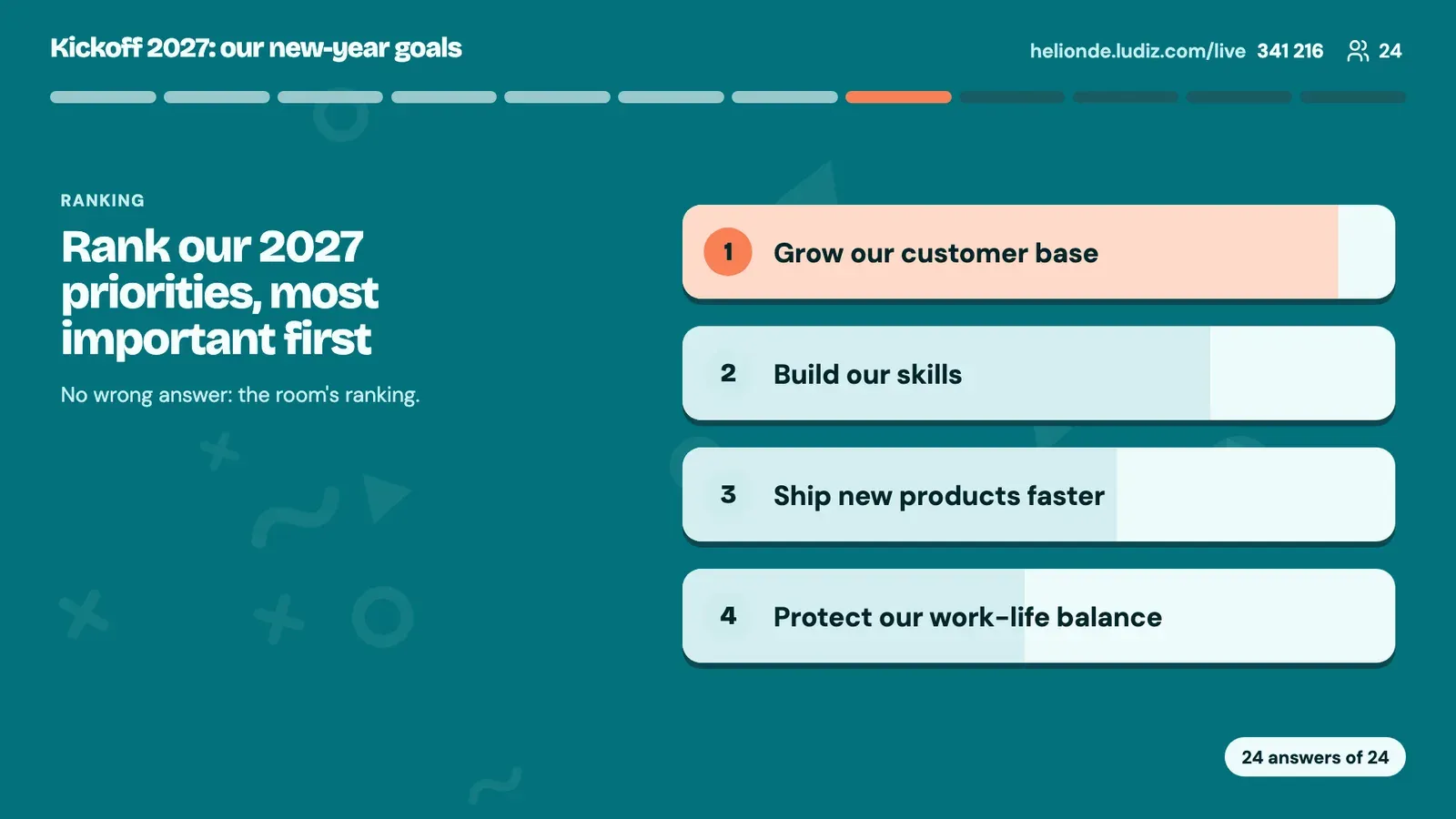
Everyone ranks the options by priority on their phone, the screen shows the room's shared ranking.
How it works
- 1
You offer 3 to 6 short options: goals, ideas, projects.
- 2
Each player puts them in their order of priority, dragging them on their phone.
- 3
The screen reveals the room's ranking, from the most shared priority to the least.
What it is for
Prioritise goals
The year's projects, ranked by the team itself.
Choose among ideas
At the end of a workshop, bring out the ideas worth pursuing.
Understand expectations
What matters most to a training session's participants.
Frequently asked questions
How do I run a ranking vote with a room?
Add a Ranking screen to your live game with your options. During the game everyone orders them on their phone and the screen shows the shared ranking.
Is there a right answer?
No. A ranking vote gathers the room's view: it gives no points.
How many options should I offer?
Between 3 and 6, with short labels so they stay readable on a phone.
The other live formats
Get your next meeting reacting.
Create a live game