Live rating scale and NPS
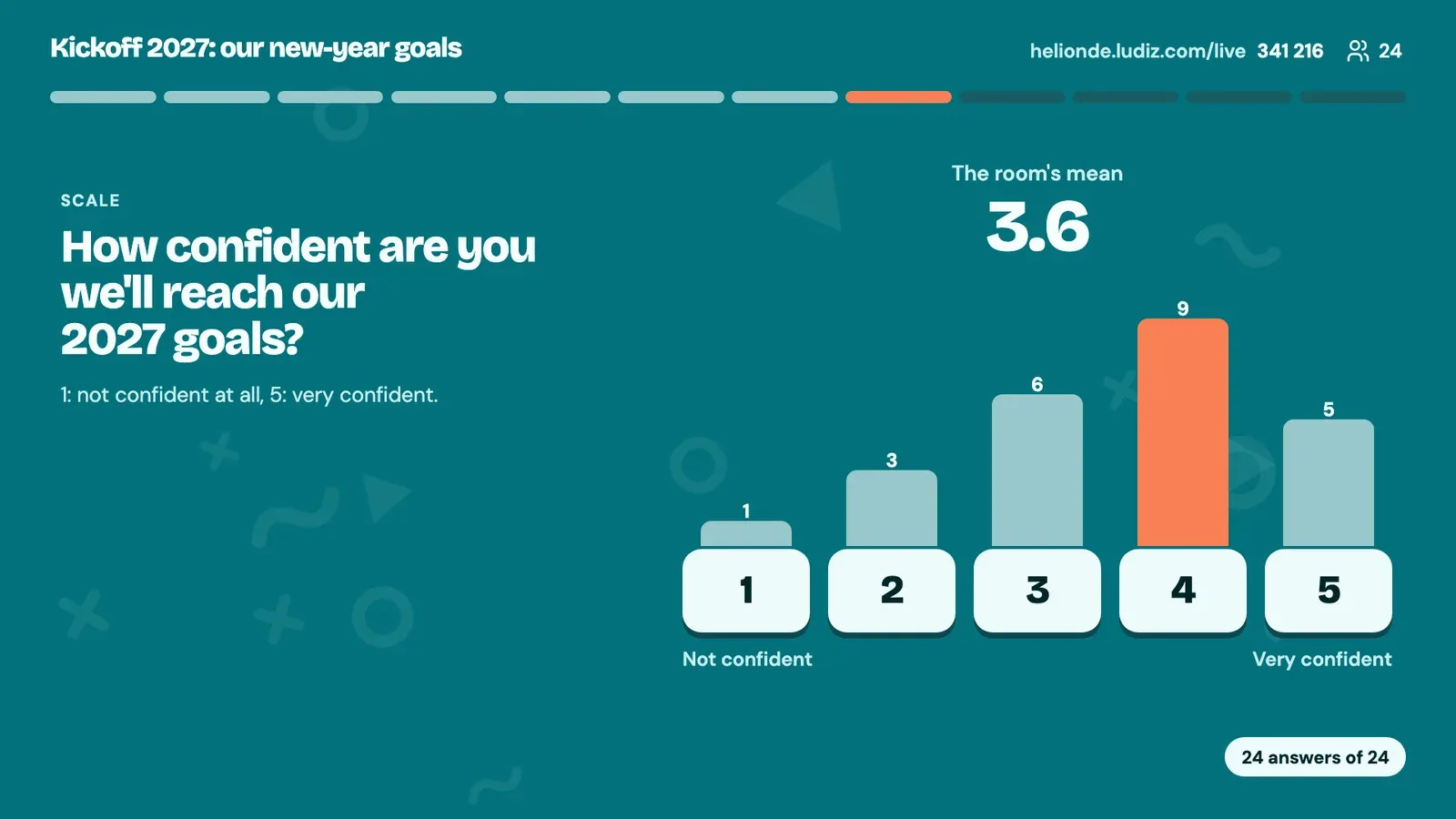
The room gives a rating from their phones: agreement from 1 to 5, a mark out of 10, an NPS. The screen shows the mean and the spread of votes.
How it works
- 1
You write the statement to rate and the labels of both ends.
- 2
Each player picks their rating on their phone.
- 3
The screen reveals the room's mean and the number of votes for each rating (or the NPS).
What it is for
Confidence in a project
Ask the same thing at the start and end of an offsite, and compare.
Rate a training session
A rating on the spot, before the room empties.
Internal NPS
"Would you recommend this session to a colleague?" out of 10.
Frequently asked questions
How do I run a live NPS?
Add a Scale screen to your live game and choose NPS mode (0 to 10). During the game, the screen computes and shows the room's NPS.
Does a scale give points?
No: there is no right answer, so the scale does not count in the leaderboard.
Are ratings anonymous?
The screen only shows the mean and the spread of votes, never a player's rating.
The other live formats
Get your next meeting reacting.
Create a live game