Live quizzes and interactive games
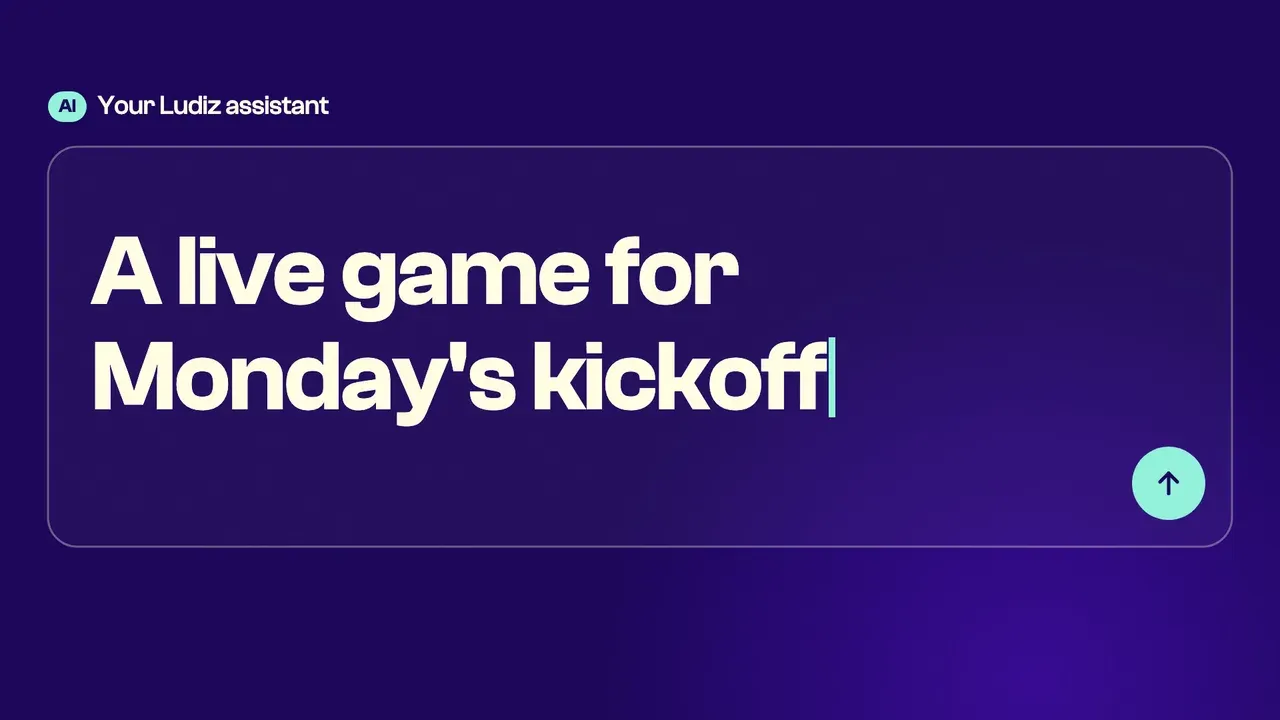
For your meetings, training and events: describe your idea or import a PDF, and Ludo, our AI assistant, builds the game. You project it, the whole room plays from their phones, with a live leaderboard and podium.
- No app to install
- A code or a QR code
- In the room, on a call, on a stand
How it works
In the room, on a video call or on a stand
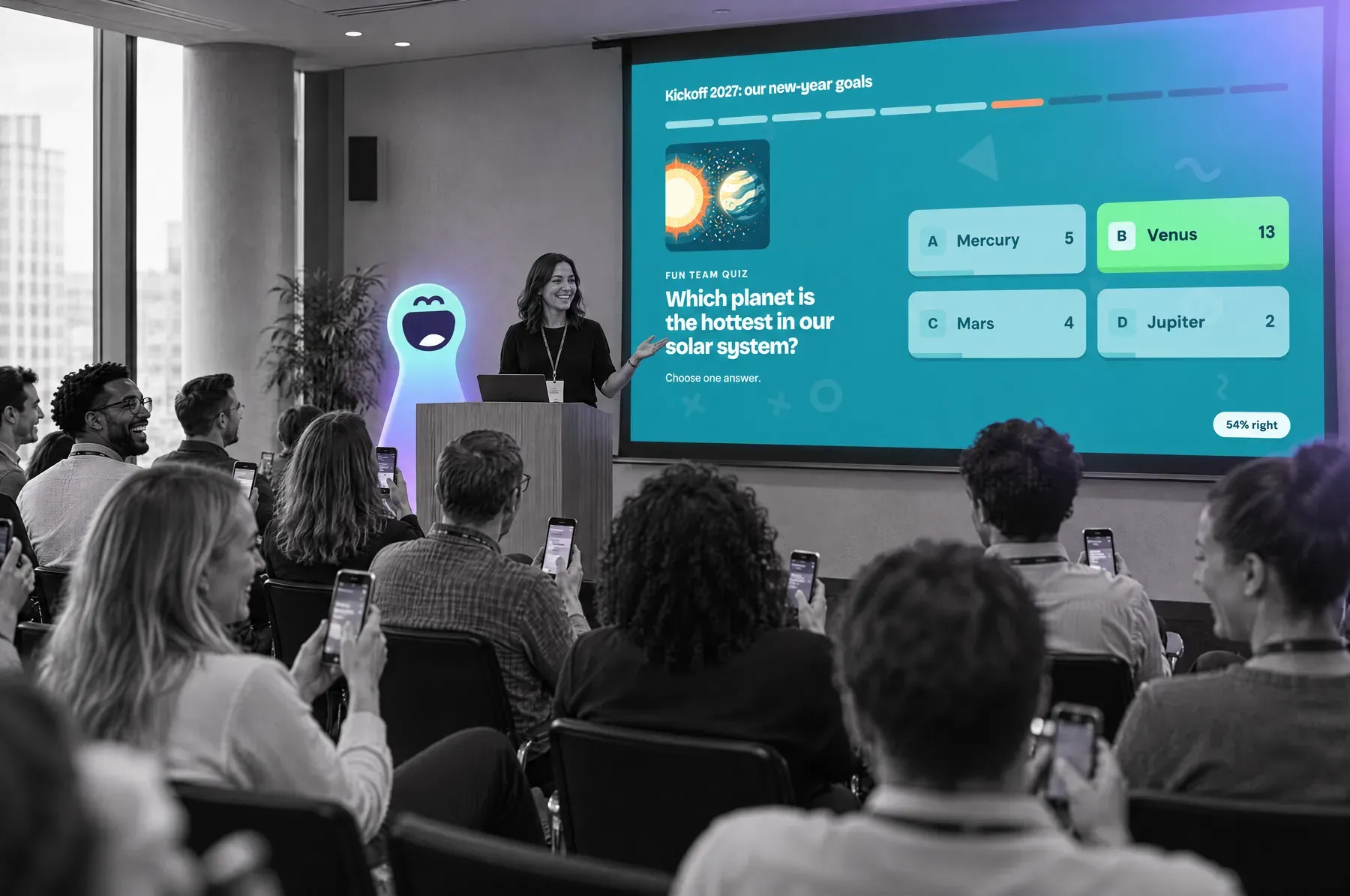
In the room
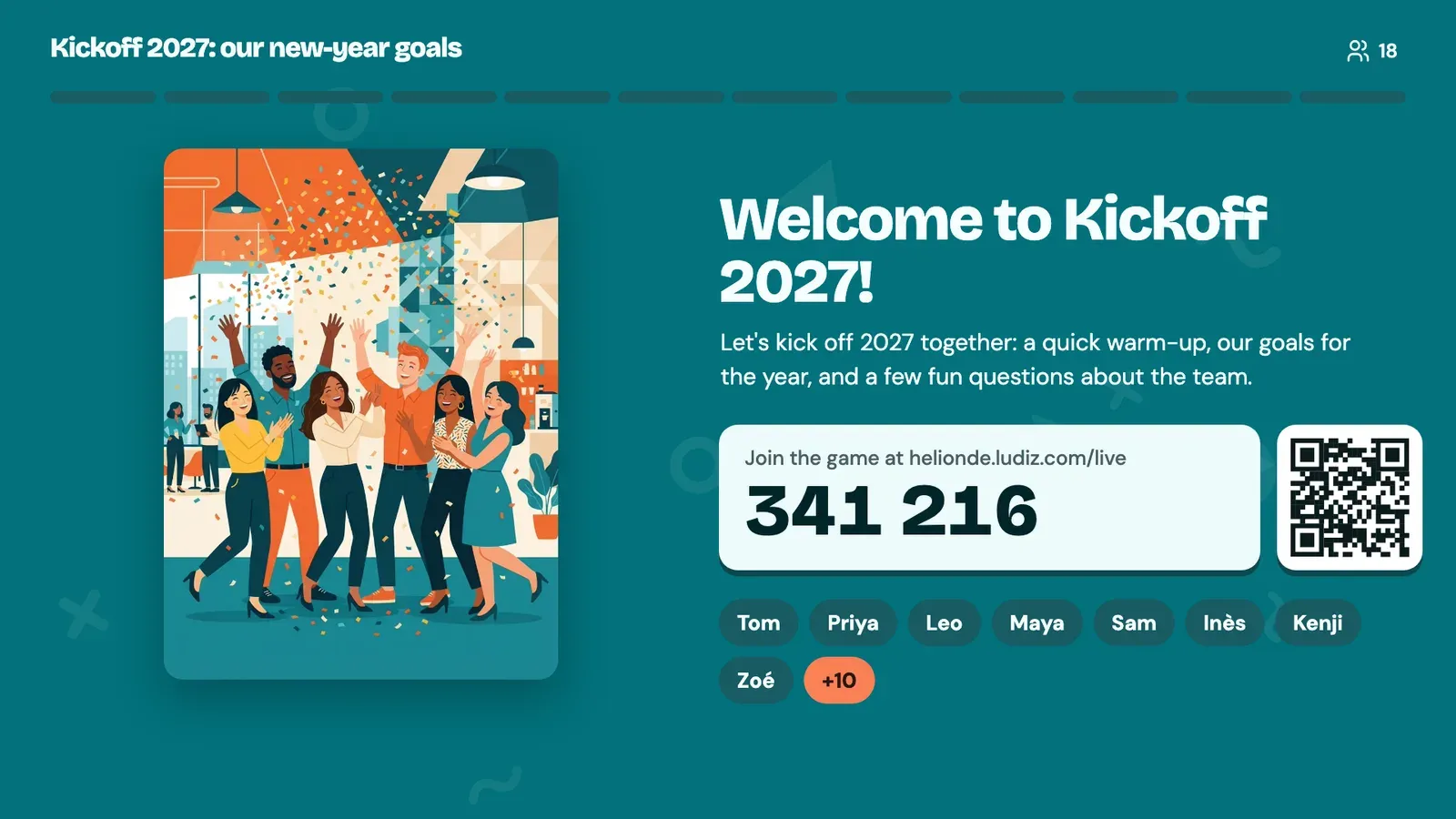
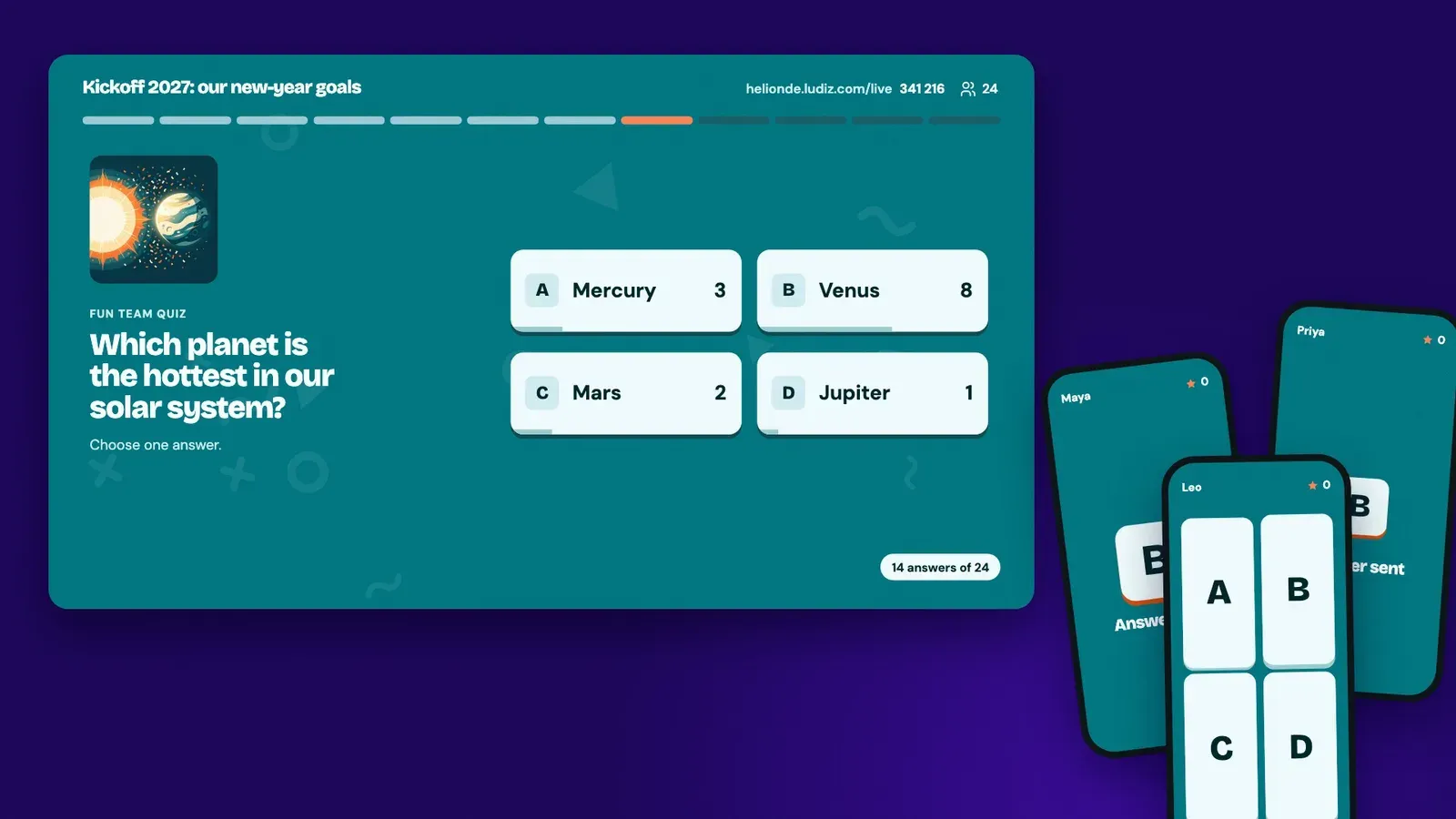
A projector, some phones, and off you go! Questions show on the big screen, everyone answers from their phone, and the whole room's results appear live. Expect surprises, laughter and a few debates! The host bounces off the answers and runs the game at their own pace.
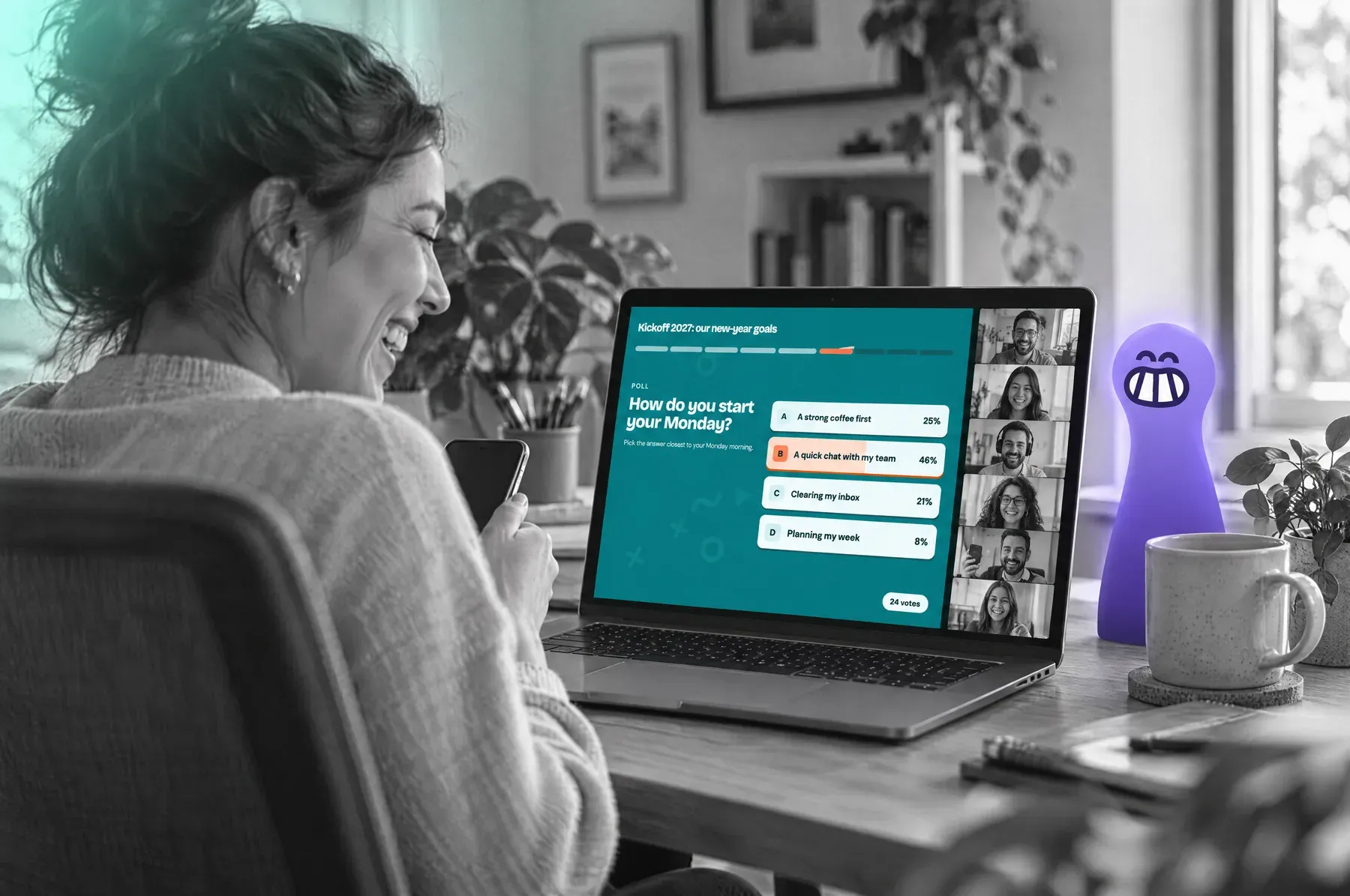
On a video call
Everyone joins remotely, from their phone or computer, and answers the presenter's questions live. Results show instantly, so the host can bounce off the answers, get the audience reacting and spark lively, spontaneous exchanges. A way to make your remote events far more interactive, even with hundreds of participants!

On a stand
Turn visitors into participants! During your presentation, people passing by your stand can join the game at any time, answer from their phone and react live. The host bounces off their answers to spark spontaneous exchanges. A playful way to catch attention, keep visitors longer and make your stand far more interactive! No host available? Autopilot runs the questions and restarts the game for each new group.
Much more than questions
Get the room reacting before you test it: a live game mixes questions with moments where everyone gives their view.
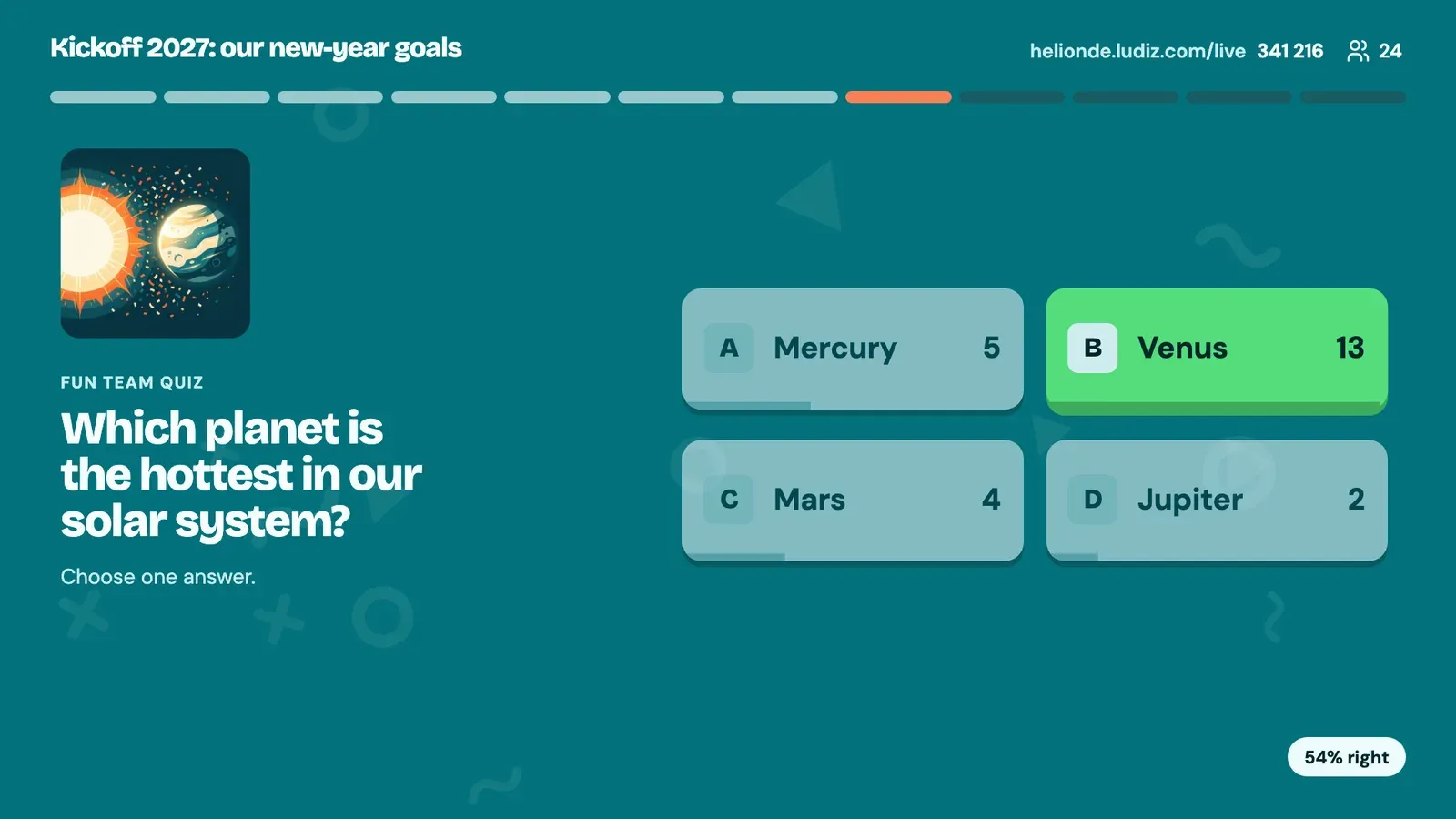
Questions
Multiple choice, true or false, put in order, estimates, typed answers, zones to find.
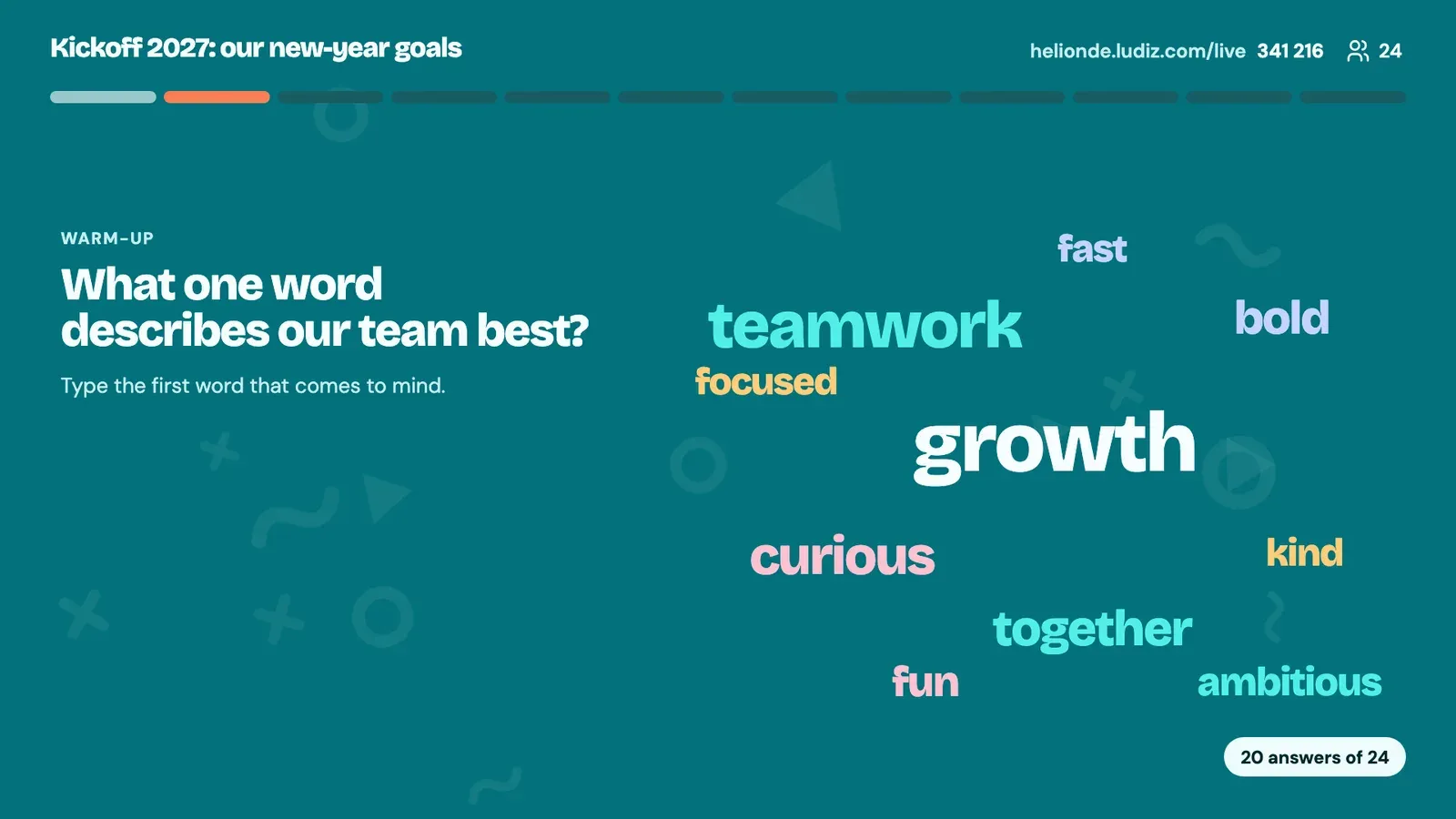
Word cloud
Everyone types a word, the most given grow on screen. Perfect to open an event.
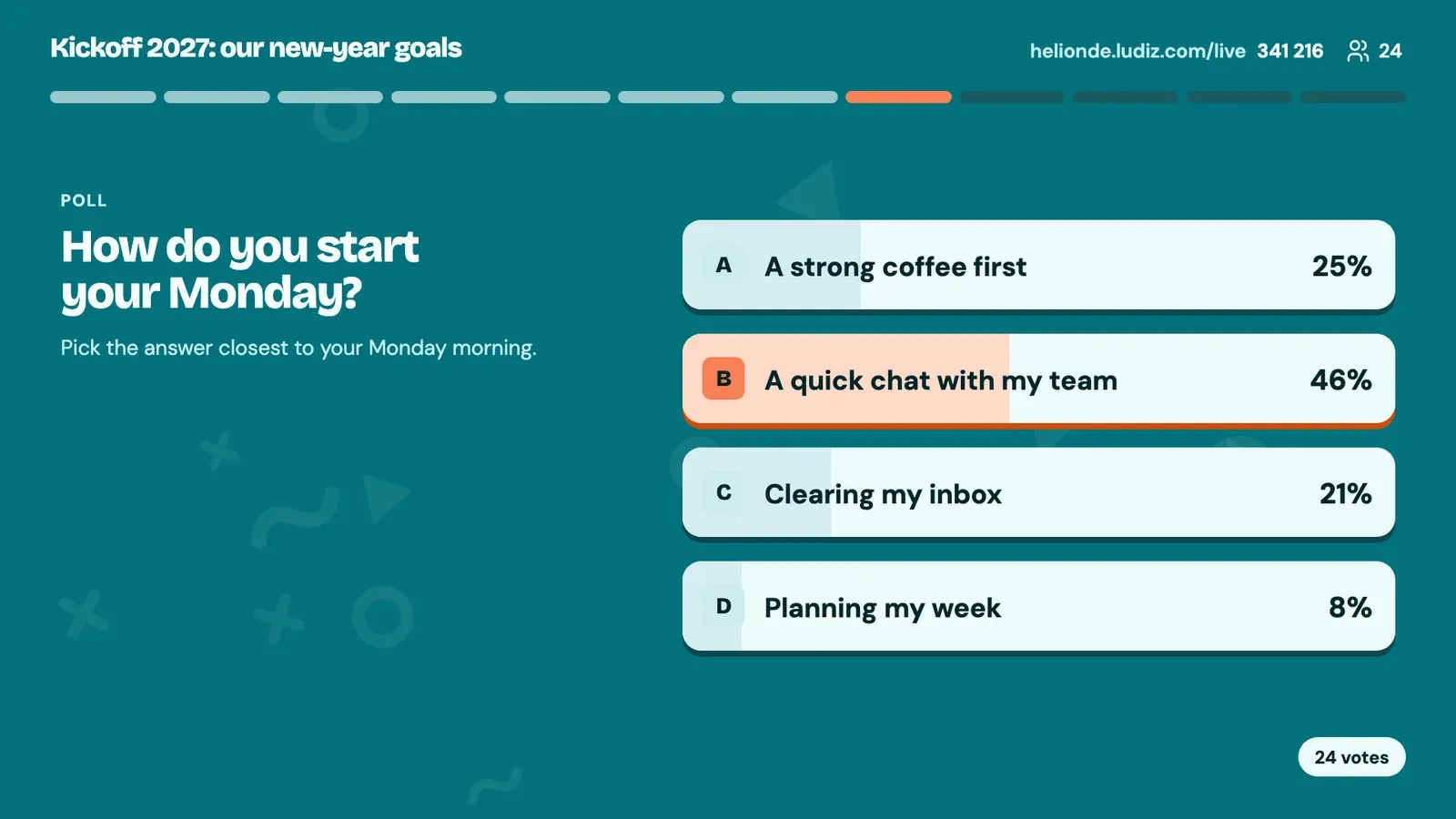
Poll
The room votes, no right or wrong answer. One option or several.
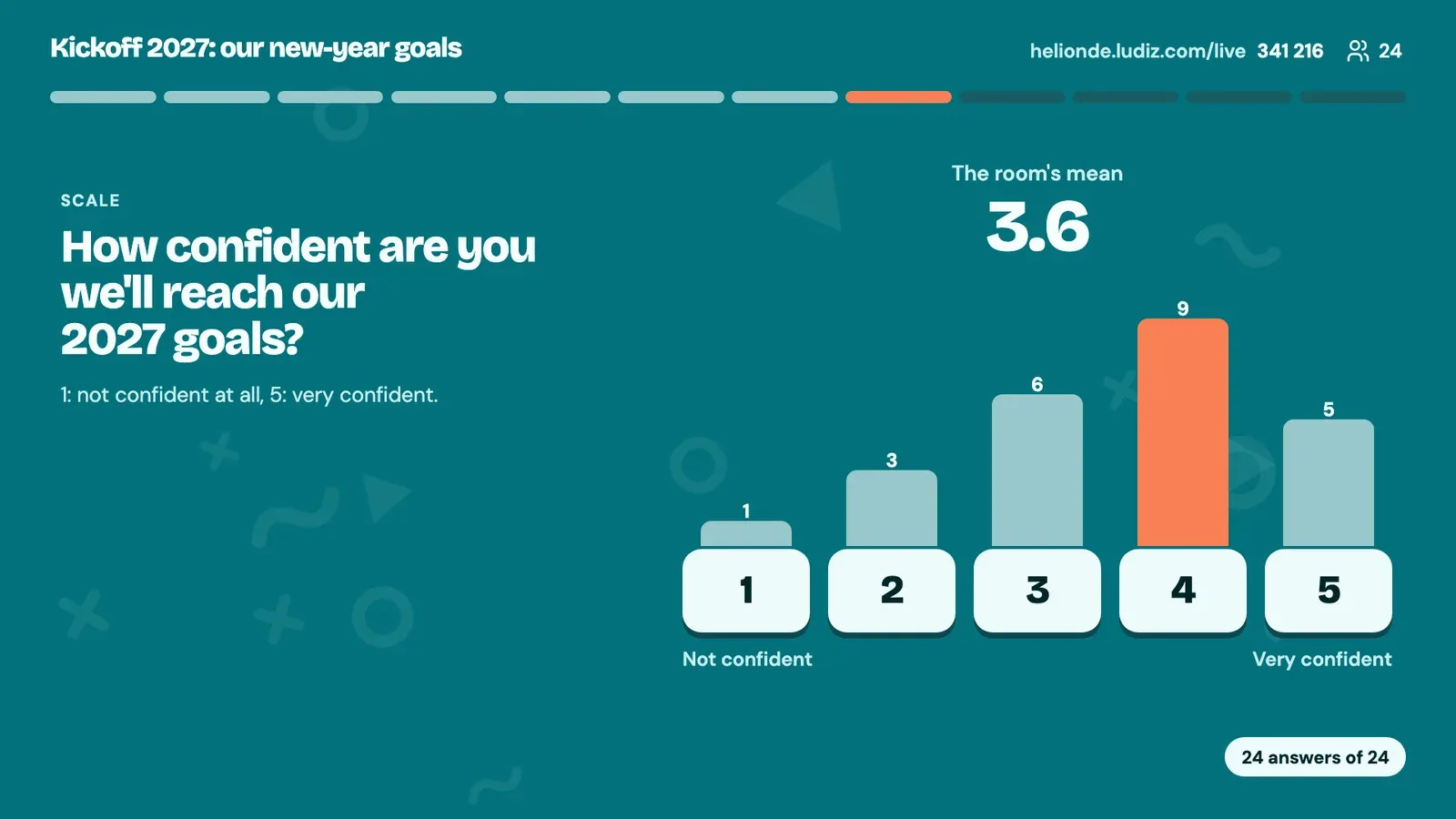
Scale and NPS
Agreement from 1 to 5, a mark out of 10, an NPS: the mean and the spread show.
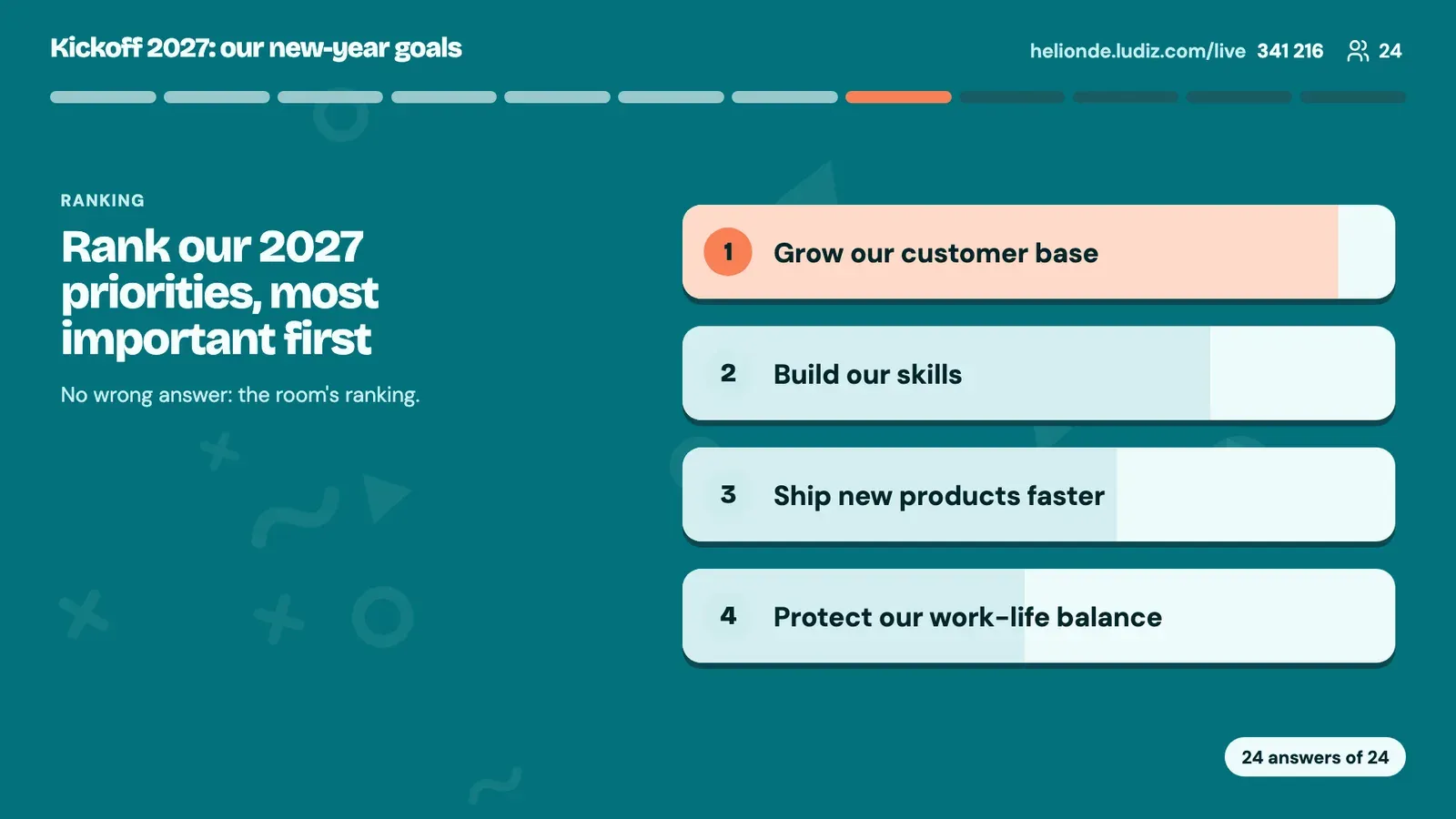
Ranking
The room ranks options by priority: the shared ranking appears.
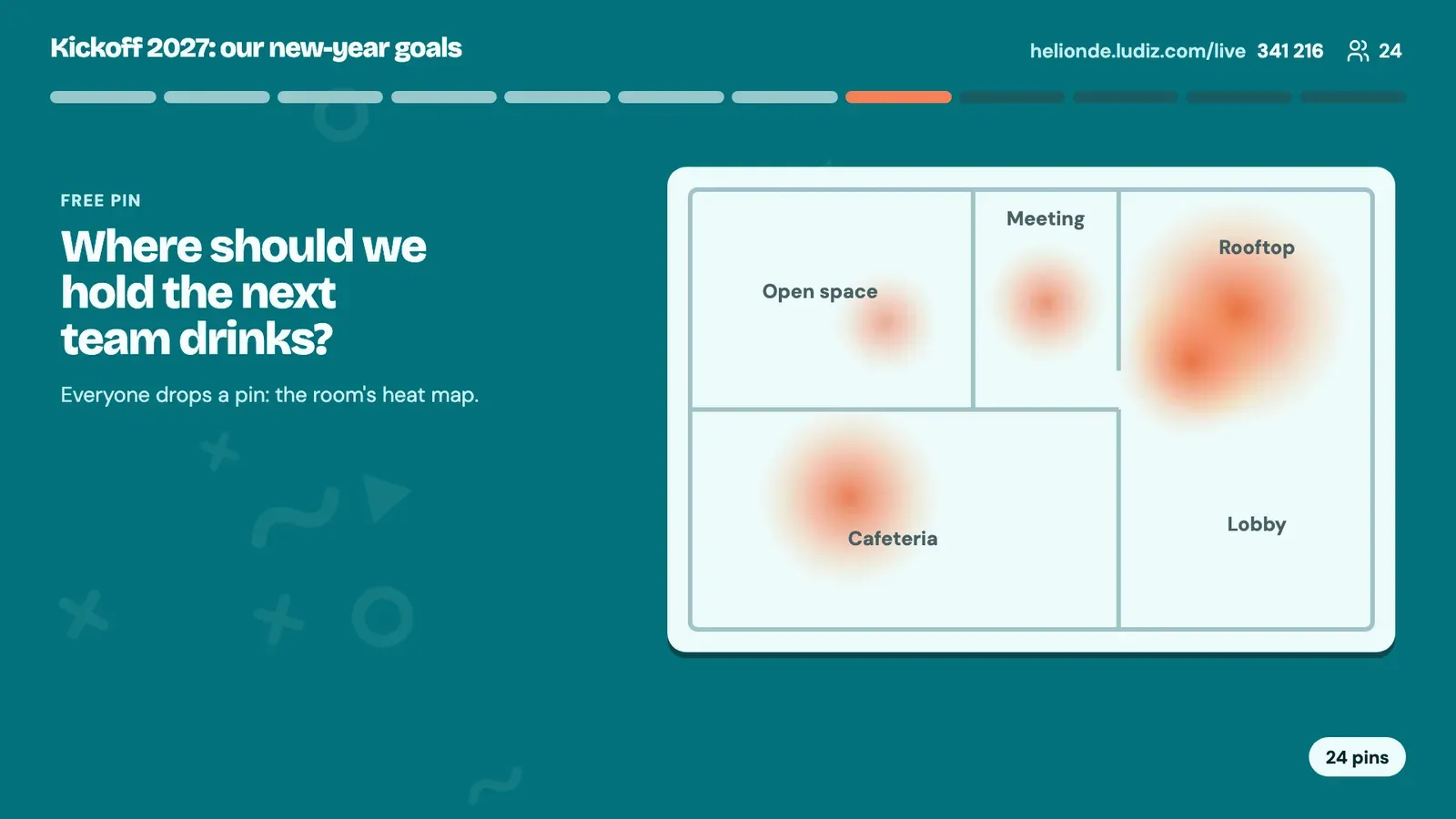
Pin on a picture
Everyone drops a pin on a map or a plan: the heat map draws itself.
And all these mechanics, played live
 Multiple choice
 True or false
 Put in order
 Timeline
 Knob to turn
 Slider
 Open question
 Lock
Lock Categorize
 Connect
 Fill in the blanks
 Drag & drop
 Swipe cards
 Point zones
 Pair choice
 Flash cards
Leaderboard, podium and results
Stay in control of how your game runs and fit the competition to your audience!
- A points system you set: reward speed or right answers, use each question's own points, or just play for fun without points.
- A leaderboard at your pace: show it after each question, only at the end, or turn it off to put participation first.
- A control room to follow everything live: from a second screen, see who answered, the right answers and how scores move, to host your game.
- Detailed statistics: find every game's history, its participants and their answers, and export the results as CSV.
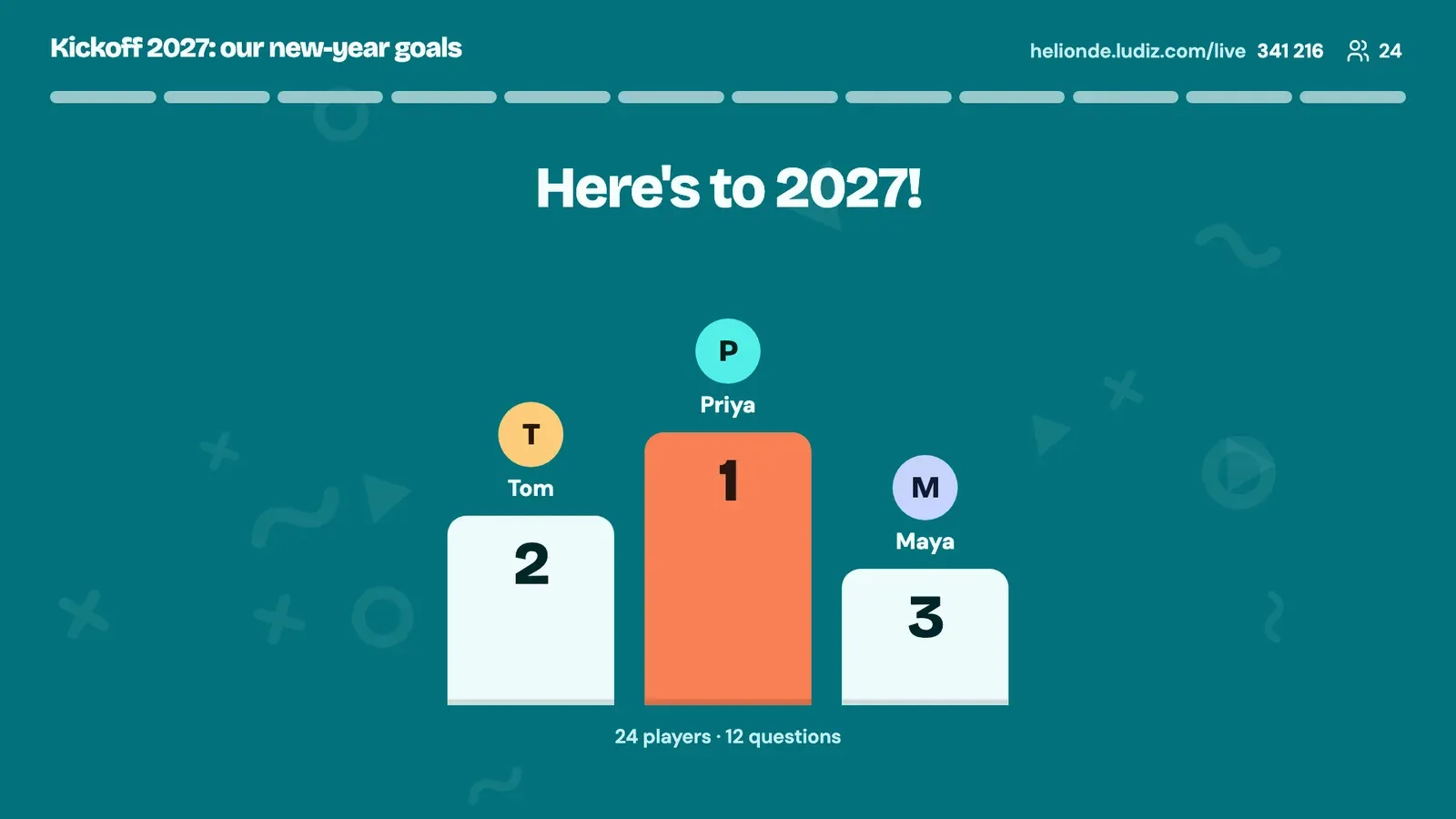
Your event quiz, in your colours and at your pace
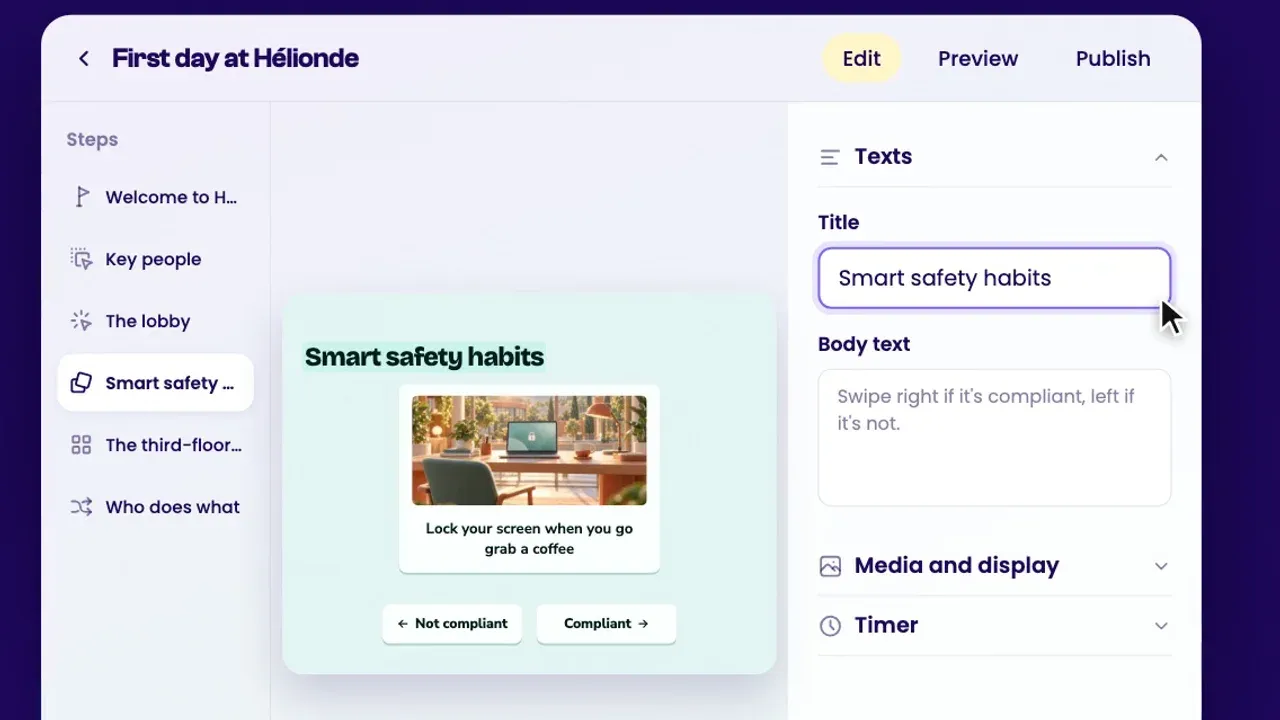
With Ludiz, easily create an interactive quiz suited to your company and your event. Describe your idea to the AI assistant, customise the questions and the look, then host your game live in front of a few dozen or several hundred participants.
A game that looks like you, simple to prepare, that you can reuse and adapt for your next events.
For which moments
Offsites and kickoffs
Energise your event from start to finish! Break the ice with a word cloud, get your colleagues reacting with live polls, then launch a big quiz on your company, its projects or its values. And to end on a festive note, it's time for the podium of the best players!
Training
Make your training sessions more interactive, in the room or remote! Ask questions throughout the session, see learners' answers in real time and bounce off them to explain a notion, correct a misconception or go deeper. A playful way to check understanding and spark exchanges.
Onboarding
Welcome your new colleagues in a playful, interactive way! Let them discover the company's history, values, teams and little anecdotes through a group quiz. A fun way to break the ice, spark exchanges and build bonds from day one, without back-to-back PowerPoint decks!
Trade shows and stands
Catch visitors' attention and make them want to stop at your stand! Offer an interactive quiz anyone can join from their phone. Answers show live, creating chances to talk about your products, your services or your business. A playful way to catch attention, extend interactions and bring your stand to life!
Live game or self-paced game?
Ludiz does both. You choose when you create the game.
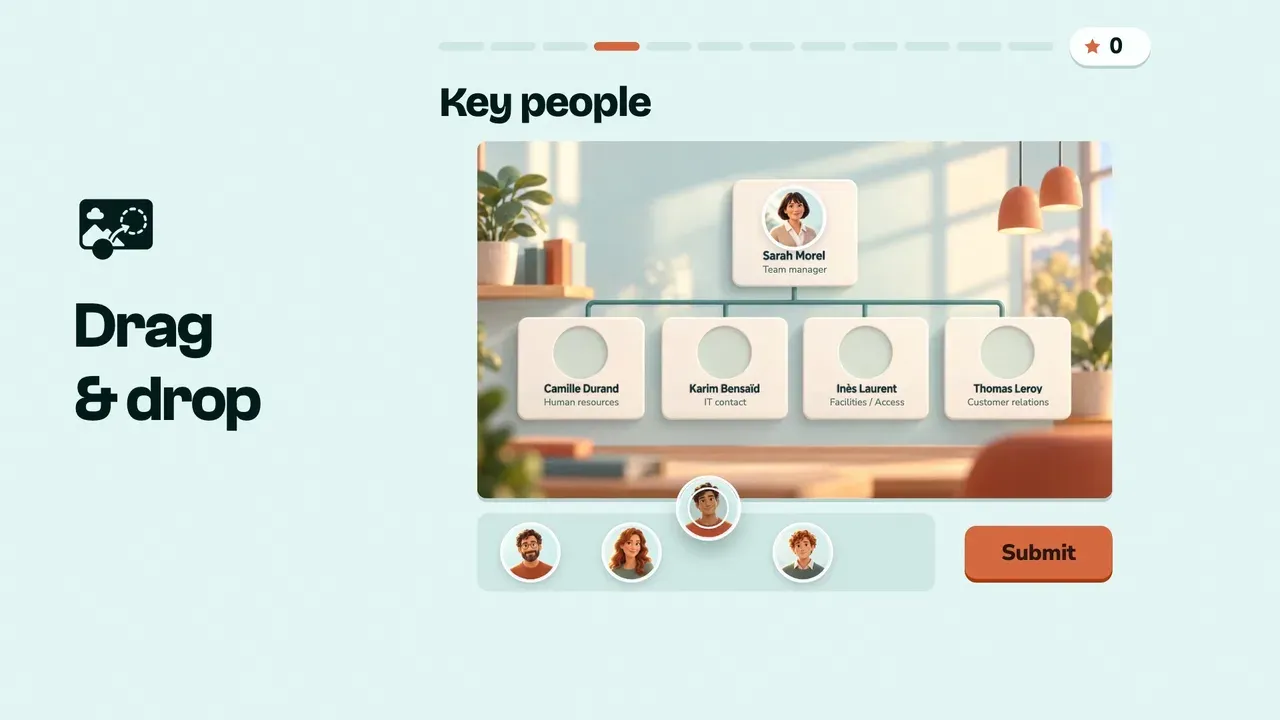
A self-paced game
A real journey: escape game, point & click, branching choices. You publish it by link, QR code or SCORM, and everyone plays when they like, with a shared leaderboard.
Browse the templates →A live game
Get your whole audience playing at the same time, in the room or remote! Project your game on a big screen or share it on a video call. Everyone answers from their phone or computer, and results show in real time. A way to get participants reacting, bounce off their answers and spark lively, spontaneous exchanges, in a meeting, a training session, an offsite or on a stand.
How much does it cost?
With Ludiz, creating and testing your game is free. To host your game live, the price mainly depends on how many players you want to bring in.
From €9 incl. VAT/month, the Creator plan lets up to 50 participants play per game. For bigger events, the Pro plan goes up to 500 players for €29 incl. VAT/month.
And for large offsites, conventions or events, some plans welcome thousands of participants. Your whole audience can play, on a budget that stays very affordable, even for big events!
See Ludiz pricing →Frequently asked questions
Do players need to install an app?
No. They open the game's page in their phone's browser with the 6-digit code or the QR code on screen, then pick a nickname. You can also accept only your workspace's accounts.
How do I create a live interactive quiz?
Describe your idea to Ludo, our AI assistant (for example "a 10-question live game for our Monday meeting"), or import a PDF with your content: it writes the questions and picks the formats, then you adjust every screen. You can also create a game in Live mode and build every screen yourself.
Can we play on a video call?
Yes. Choose "On a video call" when you start: you share the game's screen in your call, players answer from their phones, and scoring counts accuracy rather than speed so the sharing delay penalises no one.
How do I make a live word cloud?
Add a Word cloud screen to your live game with your question. During the game everyone types a word on their phone and the most given words grow on screen. A single player's answer is never shown on its own.
How many players can join?
A test game takes 3 players besides you. With a plan, the whole room joins with the code.
Can I replay the same game?
Yes. A live game is never published: you start it as often as you like and edit it between games. Each game keeps its results.
Can I turn an existing game into a live game?
A game's mode is chosen when it is created. To host a game you already have live, ask the assistant for a live version: it creates a new game with the formats that play live and leaves the original as it is.
How is it different from Kahoot! or Mentimeter?
The live principle is the same: a projected screen, phones, a leaderboard. Ludiz adds an assistant that builds the game from a sentence, games in your colours designed for companies, and self-paced games (escape games, point & click) in the same tool.
Comparing with Kahoot!? Read our comparison →
Your next meeting deserves better than slides.
Create a live game