 Game mechanics
Geolocation: take the game outside
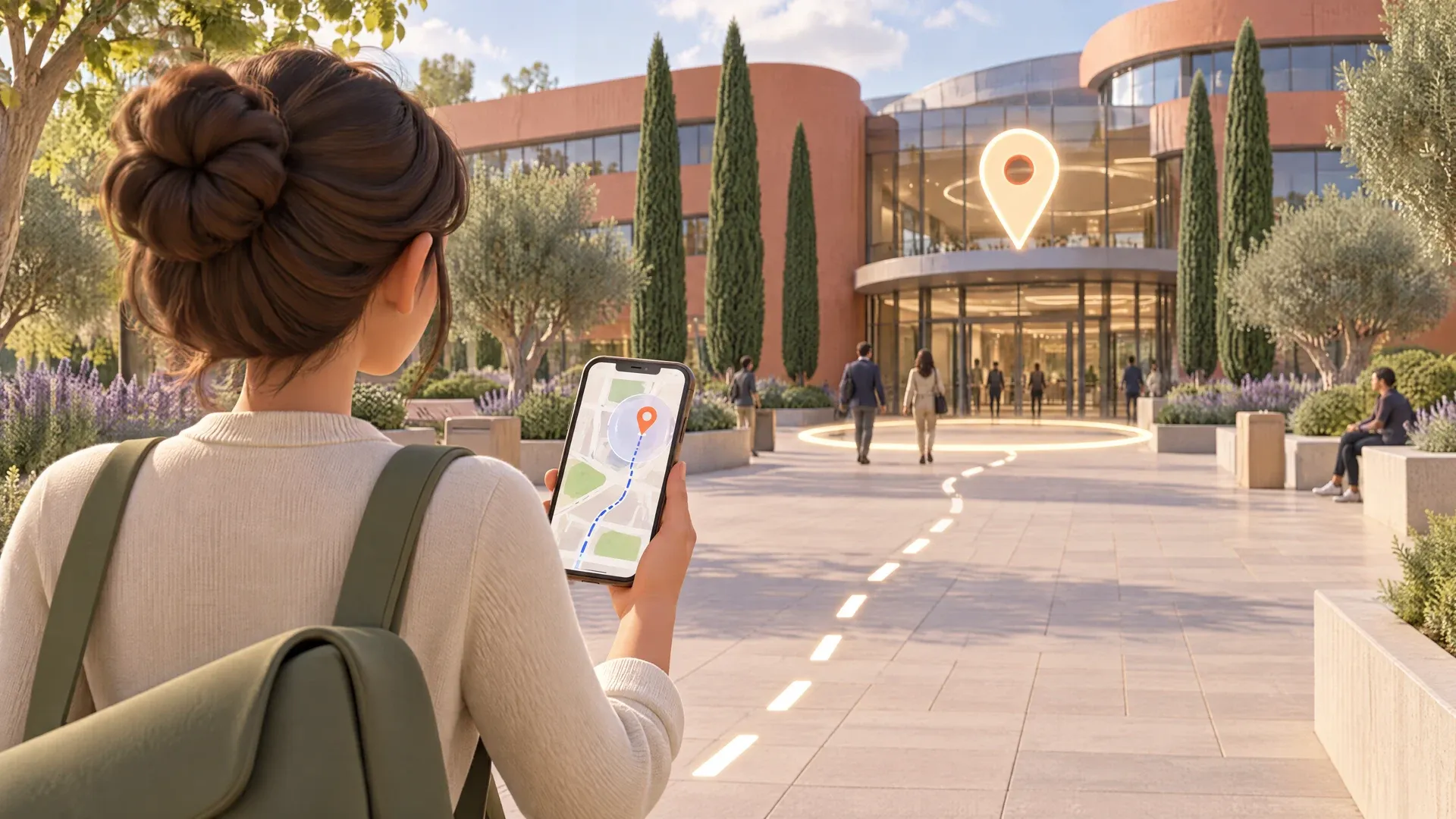
Your players head to a real place. As soon as their phone puts them inside the zone, the step is cleared and the next part of the game opens.
How it works
The Geolocation step turns a site, a campus or a neighborhood into a playing field. You drop a point on the map and set a radius around it. Players have to get there with their phone, and the game runs in the browser, with no app to install.
Learning on the move sticks better than reading at a desk. The place becomes the reminder: people remember the evacuation rule standing at the assembly point, or the company story standing in front of its first building. You add this step in the editor, one place per step, and chain it with your questions and challenges.
For the player
- 1The player opens the step: a map shows where they are and, if you choose, the zone to reach.
- 2They start walking. A status banner tells them they are still outside the zone, along with the text you wrote to guide them.
- 3Once they enter the zone, the step clears on its own. If GPS is weak, they can type the backup code you gave them.
What you set
- The place: search for an address or enter latitude and longitude, then set the zone radius in meters. A preview shows the zone on the map.
- The texts shown outside the zone and on arrival, to give a hint or announce what comes next.
- A backup code to continue without GPS, case-sensitive or not, with its own confirmation message.
- The map: shown or hidden, target zone visible or not, starting zoom, and a button to refresh the position.
- The same basics as other steps: title, instructions, image or video, timer and hints.
Ideas for using it
On-site welcome
Walk new hires through the buildings, the front desk and the cafeteria on their very first day.
Safety drill
Send teams to the assembly point, then ask the question on the spot in the next step.
Offsite city hunt
Get attendees moving between sessions with a scavenger hunt around the neighborhood.
Company heritage
Tell your brand story place by place, around headquarters or a historic site.
Frequently asked questions
How do I create a GPS scavenger hunt?
In the Ludiz editor, add one Geolocation step per place, drop each point on the map and set its radius. Between places, add your questions, videos or puzzles.
Do players need to install an app?
No. The game opens in the phone's browser, which simply asks permission to use the location.
What if GPS doesn't work?
Turn on the backup code so players can type it to continue. You can also show a button that refreshes their position.
Create your first game in a few minutes.
Try it freeAll mechanics
Game mechanics22




















Screens and paths6






AIThe AI assistant builds these on its own